

The Death of Passwords: Implementing Passkeys, WebAuthn & Better-Auth
Passwords have been the primary authentication mechanism on the web for over thirty years—and they have been broken for just as long. Users reuse passwords across dozens of sites, choose easily guessable phrases, or fall victim to phishing domains that mirror legitimate login portals.
For security engineers, password-based authentication means managing salt rounds, bcrypt hashes, rate limiting, bot protection, SMS OTP costs, and endless "forgot password" email flows.
With the mainstream adoption of Passkeys and modern developer frameworks like Better-Auth, we are finally witnessing the death of the password.
🔐 How Passkeys Actually Work (No Shared Secrets)
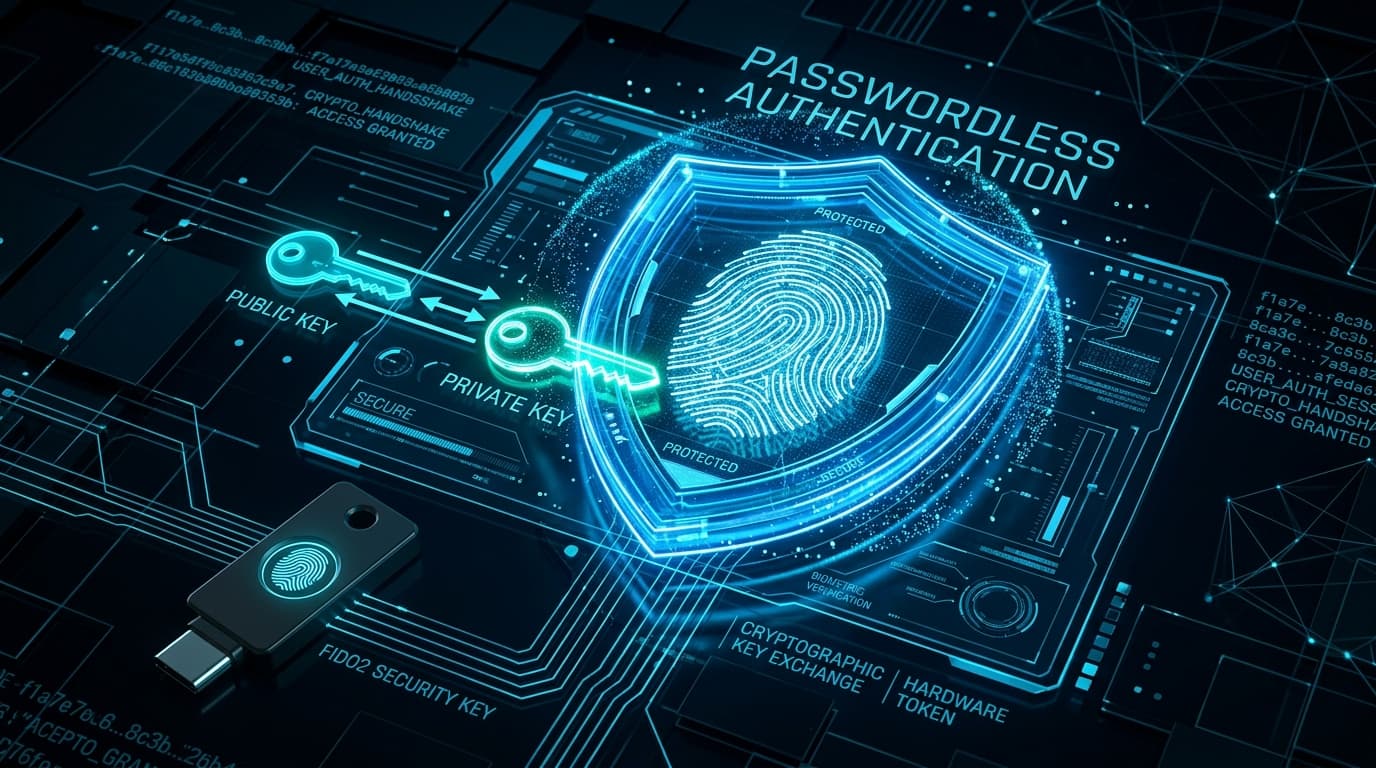
Unlike passwords, which store a shared secret (even if hashed) on the server, Passkeys are built on the WebAuthn / FIDO2 cryptographic standard.
   User Device (Mac/iPhone/Android)                  Authentication Server
   ┌───────────────────────────────┐                 ┌───────────────────────┐
   │ 1. User validates Biometrics  │                 │                       │
   │    (Touch ID / Face ID)       │                 │                       │
   │                               │                 │                       │
   │ 2. Hardware Enclave creates   │  Public Key     │ 3. Stores Public Key  │
   │    Public/Private Key Pair    ├────────────────►│    (Safe against DB   │
   │                               │                 │     leaks!)           │
   └───────────────────────────────┘                 └───────────────────────┘
When logging in:
- The server issues a random cryptographic challenge nonce.
- The user taps Touch ID, Face ID, or a hardware security key (YubiKey).
- The device’s Secure Enclave signs the challenge using the private key and sends the signature back to the server.
- The server validates the signature using the stored public key.
Because the private key never leaves the user's hardware device, passkeys are fundamentally immune to phishing attacks. Even if an attacker clones your login page, the user's browser will refuse to sign the challenge because the domain origin does not match.
⚡ Enter Better-Auth: The Modern TypeScript Auth Stack
For years, developers were caught between over-engineered third-party SaaS identity providers (charging exorbitant monthly active user fees) and clunky, legacy authentication libraries.
Better-Auth has taken the TypeScript and Next.js community by storm because it provides:
- First-class support for Passkeys and WebAuthn.
- Self-hosted database adapters (Prisma, Drizzle, Kysely).
- Built-in session management with multi-session support and impersonation.
- Type-safe client hooks that integrate effortlessly with React and Next.js.
Setting Up Better-Auth with Passkeys
import { betterAuth } from "better-auth";
import { prismaAdapter } from "better-auth/adapters/prisma";
import { passkey } from "better-auth/plugins/passkey";
import { prisma } from "@/lib/prisma";

export const auth = betterAuth({
  database: prismaAdapter(prisma, {
    provider: "postgresql",
  }),
  emailAndPassword: {
    enabled: true, // Allow fallback for legacy users
  },
  plugins: [
    passkey({
      rpID: "objectorientedteens.com",
      rpName: "Object Oriented Teens",
      origin: "https://www.objectorientedteens.com",
    }),
  ],
});
On the client side, registering a passkey takes one function call:
import { authClient } from "@/lib/auth-client";

export function RegisterPasskeyButton() {
  const handlePasskeySignUp = async () => {
    await authClient.passkey.addPasskey();
  };

  return (
    <button onClick={handlePasskeySignUp} className="btn-primary">
      Register Biometric Passkey
    </button>
  );
}
🎯 The Bottom Line
Switching to passkeys provides an immediate competitive advantage:
- Instant sign-in conversion: Users authenticate in under two seconds with fingerprint or facial recognition.
- Zero credential database breach liability: Storing public keys means an attacker gains zero usable login credentials even if your database is dumped.
- Elimination of SMS OTP fees: Stop paying telecommunication providers for SMS verification codes.
Passwordless authentication is no longer an experimental luxury—it is the modern standard.